Host roundtables worth showing up to.
Plan the conversation, open the page, run the room and keep it going afterwards, all from one place.
A good roundtable is the right people and a topic they care about. Peersto handles everything around that, so your attention stays on the conversation.
Run the conversation without the tech getting in the way.
Guests use the link in their confirmation email. There’s no account to create and nothing to download.
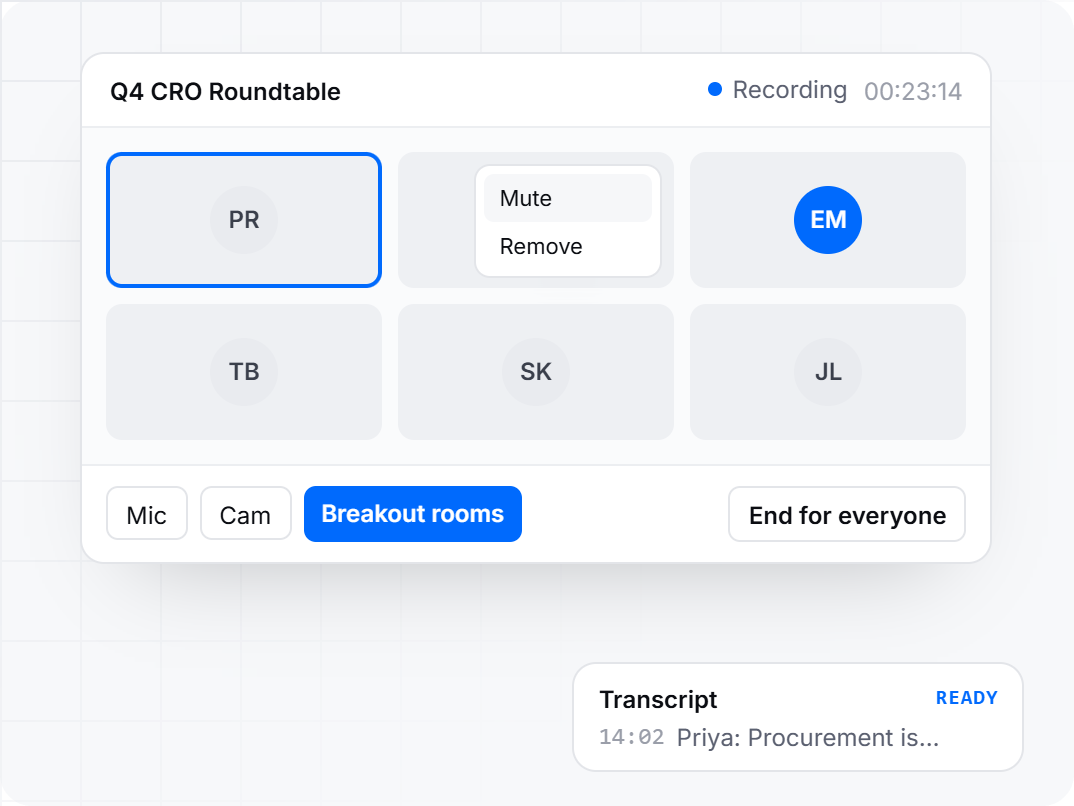
Split the group for an exercise, then bring everyone back to the main table to share what they found.
You approve who joins before the session starts. During it you can mute or remove a guest and end the session for everyone.
Every session is recorded and a transcript follows, so you can return to exactly what was said.
Walk in with a plan, drafted in minutes.
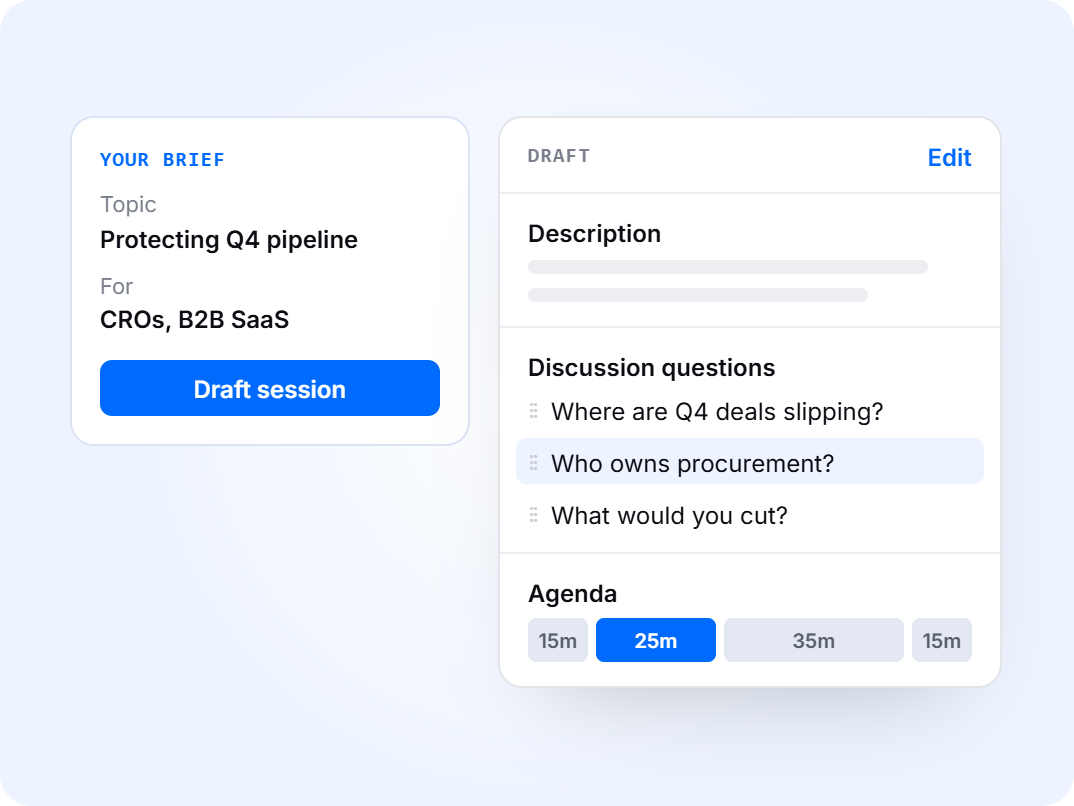
Describe the topic and who the conversation is for. Peersto writes the description, the case for attending, discussion questions and group exercises.
Every word can be changed, and you can add, delete and reorder questions and exercises. The draft is a starting point, not a script.
Build the running order in timed blocks and reorder them as you go. Set a default agenda once and every new roundtable starts from it.
A roundtable is a format you can run on as many dates as you like, each with its own page, guest list and chat. Duplicate a session in a click.
The conversation starts before the call and continues after it.
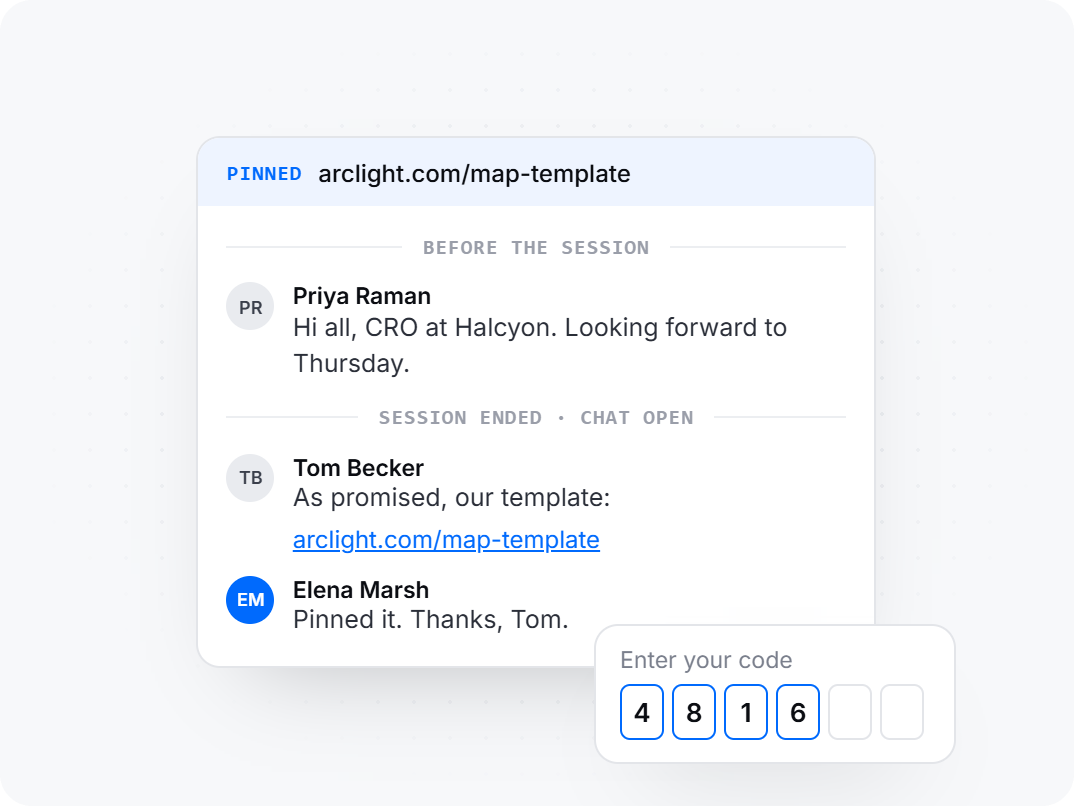
Once you approve someone, they join a chat that only approved guests and you can see. They can introduce themselves and share a link before the session.
Visitors who haven’t registered can see that a conversation is under way, without seeing what’s said. It’s an honest reason to register.
The chat doesn’t close when the session ends, so people keep talking while it’s fresh. Pin the message or link that matters.
Guests enter their email and receive a one-time code, so there’s no password to set or forget. Their name and company come from their registration.
A page that fills the room.
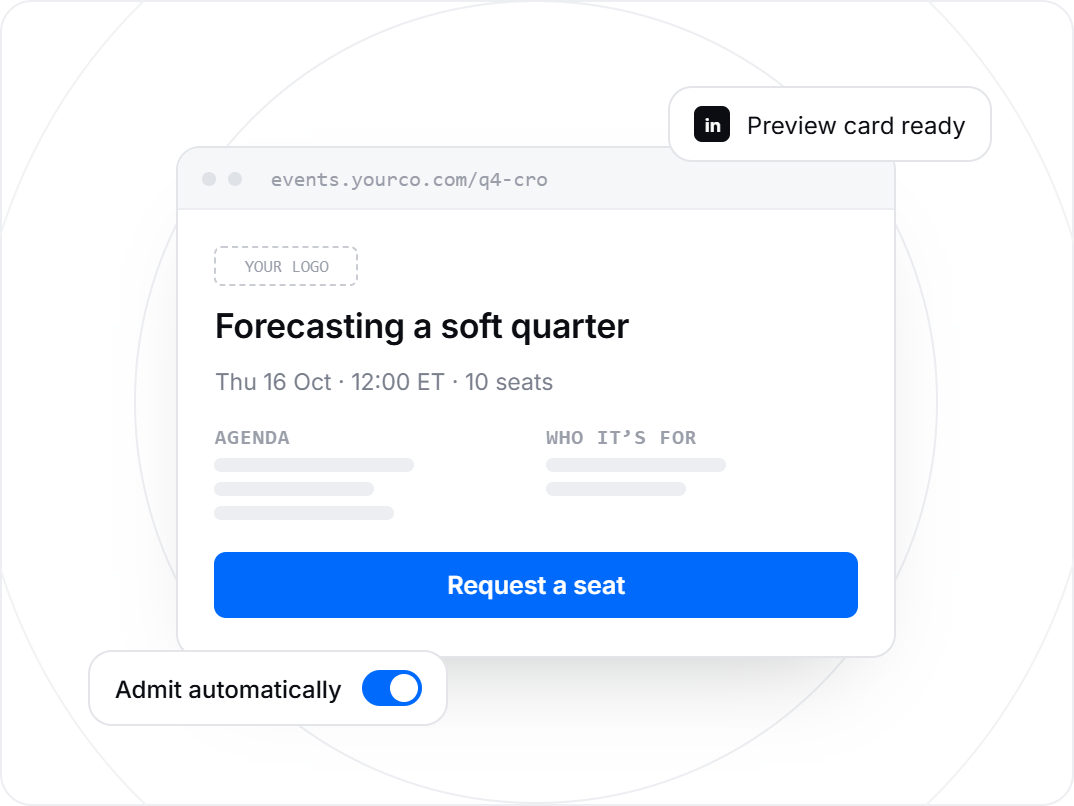
Your logo and colours, a clear description and agenda, and a section on who the conversation is for.
Approve each request yourself or admit people automatically. Change it per session, even after you’ve published.
Confirmation emails go out automatically with an add-to-calendar file attached. Anyone waiting for approval gets a note that their request has arrived.
See the page exactly as a guest will before it goes live, then share it on LinkedIn or by email with a proper preview card.