Know who’s at your table.
Every registrant becomes a contact you can understand, filter and follow up with.
A roundtable is only as good as the people in it. Peersto keeps the guest list, the history and the background on each person in one place, so you can see who engaged and who you’d like to speak to next.
Everyone who registers is already in your CRM.
Each registrant becomes a contact, matched on email so nobody appears twice. What they enter fills in blanks without overwriting anything you’ve added.
Import a CSV and match your columns to ours, or push contacts in through the API from the tool you already use. Rows that don’t fit are reported rather than silently dropped.
Add tags, private notes, and a context field for what someone has told you. Notes stay with you, while context can shape your outreach.
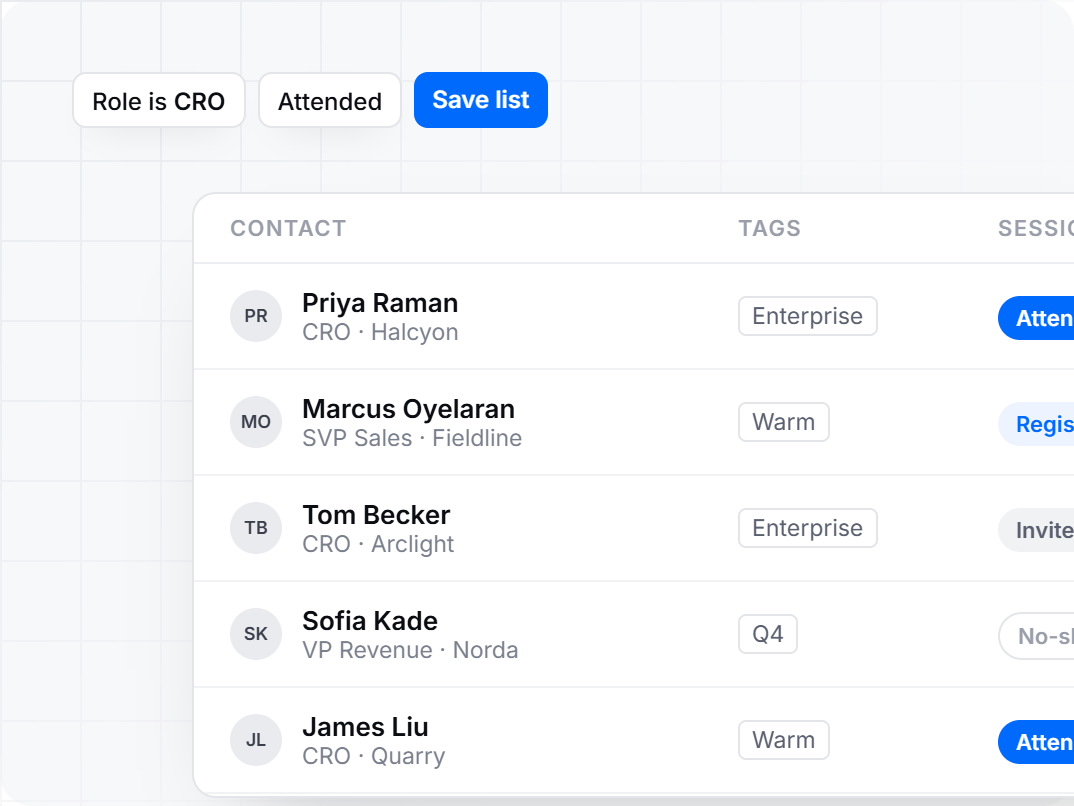
Every contact carries a status for each session: invited, registered, attended or no-show. Stack filters to build any list in seconds, and save the views you use again.
Know who you’re inviting.
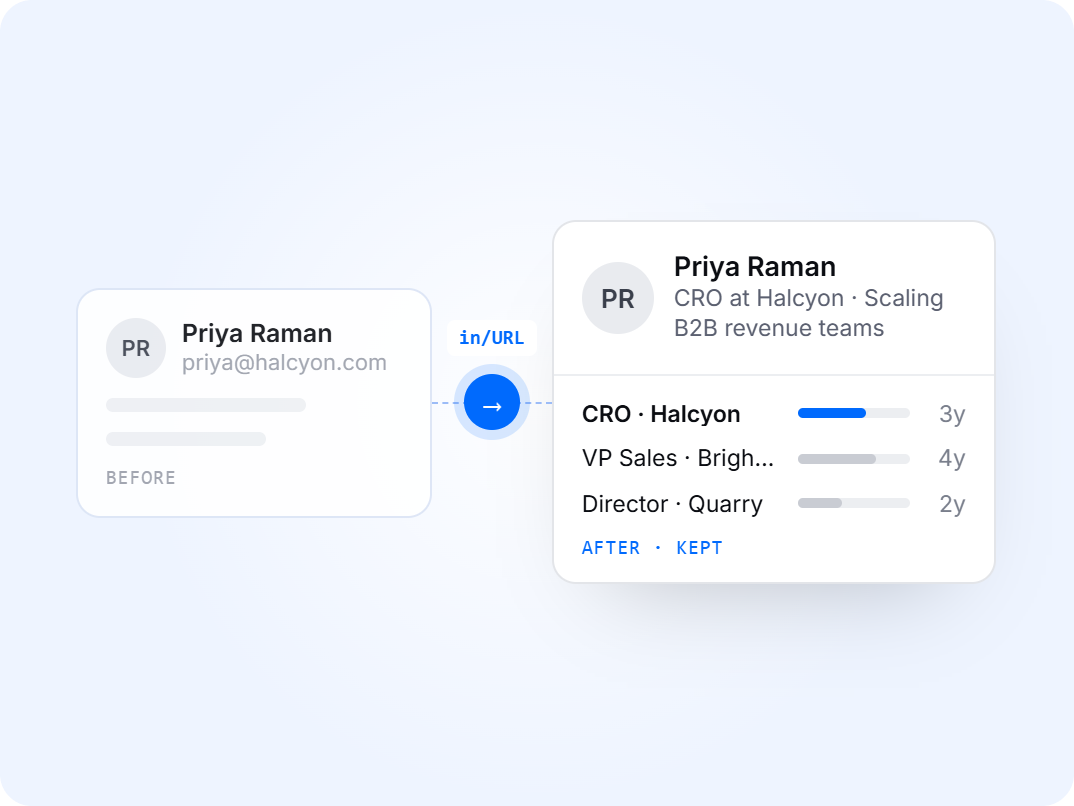
Add a LinkedIn URL and bring in the person’s headline, location, job history and time in role.
Select one contact or a whole group and see the cost before you run it. Contacts without a profile link are set aside and counted, not skipped silently.
Each profile is stored on the contact, so you don’t pay to fetch the same person twice. Refreshing one is a deliberate choice, with the cost shown first.
The background you bring in is available to your outreach copy, so an invitation can speak to what the person actually does.
You decide who’s in the room.
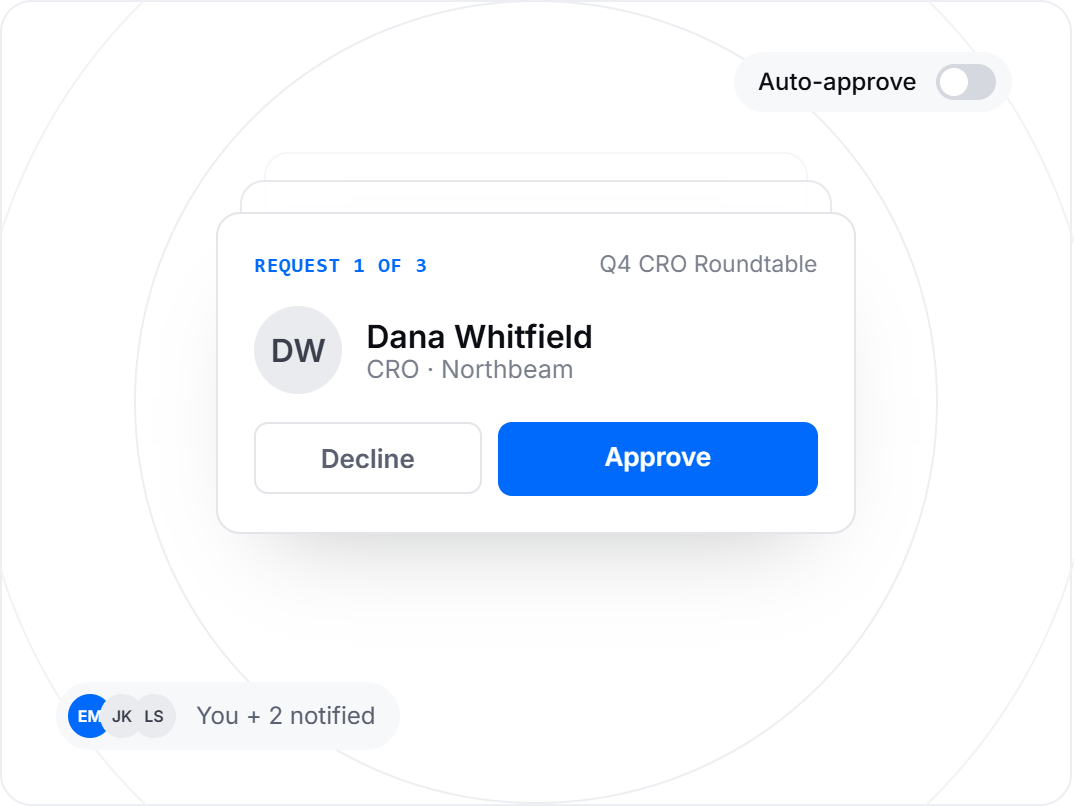
Admit people automatically or review each request. Choose per session and change it whenever you like.
Requests waiting for a decision appear above your contacts. Approve or decline them one by one or in bulk.
Approved guests receive their confirmation straight away. Anyone waiting is told their request has been received.
You and up to two teammates can be notified whenever someone registers or needs approval, and every session shows exactly who has registered.