Invitations that sound like you wrote them for each person.
Draft personalised outreach from the roundtable itself, then export it to the tool you already send from.
A good invitation says why this person, why this topic and why now. Peersto drafts that for every contact from what it knows about the conversation and the person, and leaves the final word to you.
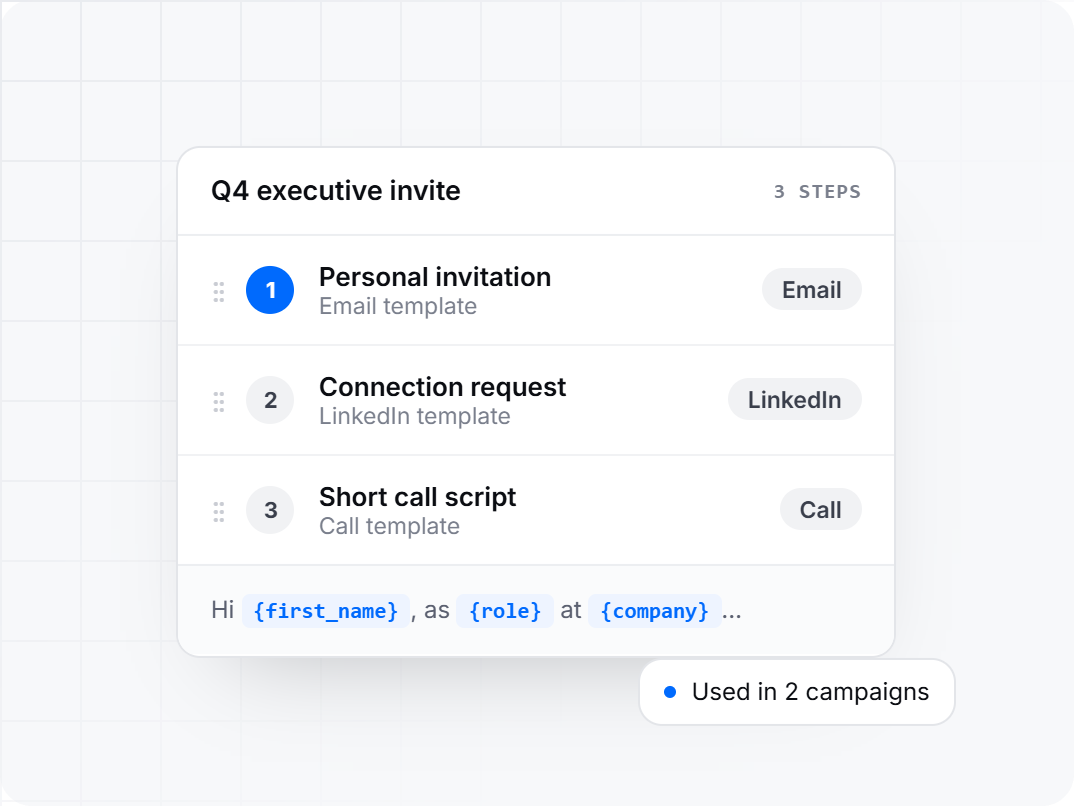
Build an invitation plan once, reuse it every time.
Write a template yourself or give the AI a brief, and drop in variables for name, role, company and profile details. Templates can be for email, LinkedIn or a call script.
Group templates into a campaign in the order you want them used, and mix channels within it.
Run the same campaign for your next roundtable. Rename it, reorder the steps or swap a template at any time.
If a template is used in a campaign, Peersto shows you where before it can be deleted, so a sequence never changes without you knowing.
Copy that sounds like you wrote it for them.
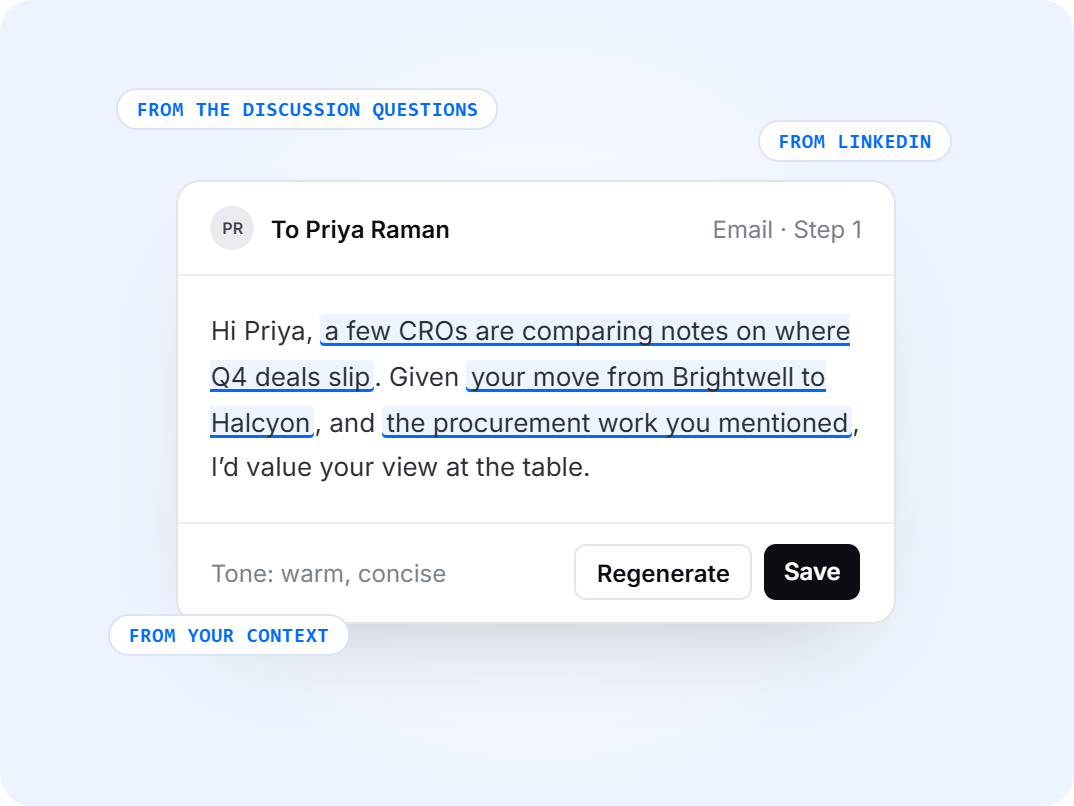
Each message draws on the session’s own title, description and discussion questions, so the invitation points at the conversation they’d be joining.
It uses their role, company and LinkedIn background, plus the context you’ve added about what they care about.
Set your tone and rules once and they apply to every message. LinkedIn connection requests are held to the character limit.
Read every message and edit it in place. Regenerate a single message or a whole step when something isn’t right.
From first touch to follow-up, in order.
Each step produces a message for every contact you choose, in the channel set for that step.
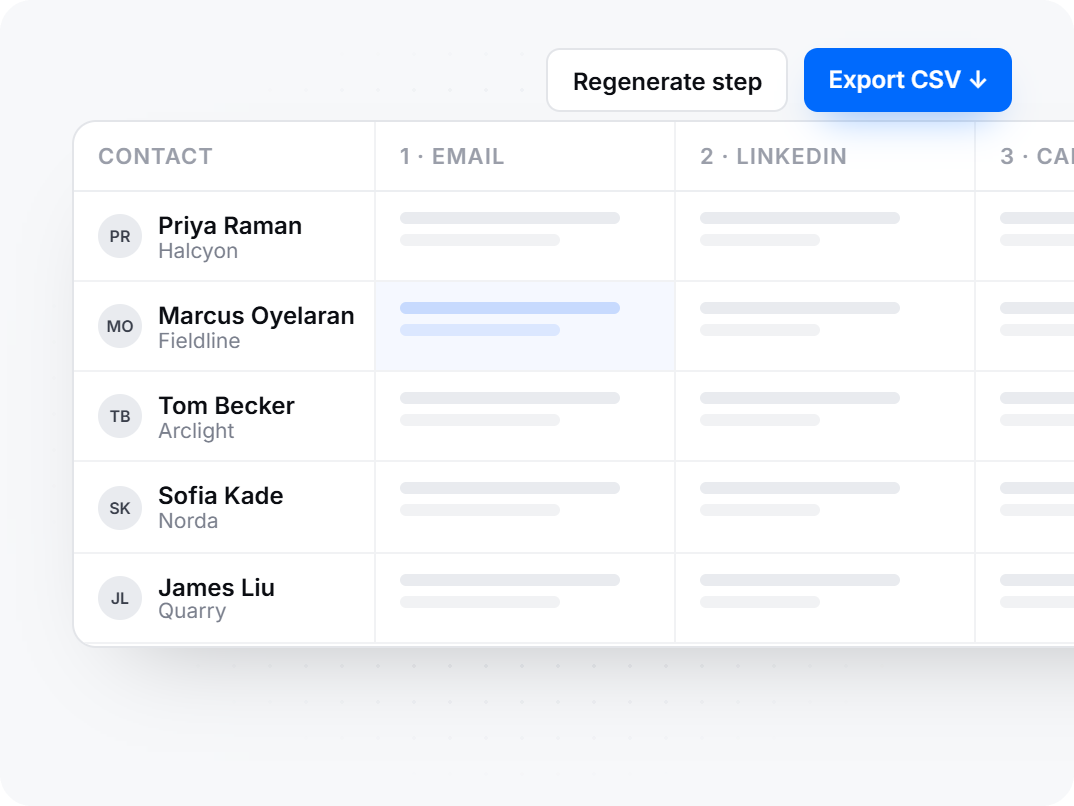
See your contacts in a table with their details alongside each message, so you can scan a whole list at a glance.
Open any message, change it and save. Regenerate one message or an entire step.
Download the grid as a CSV with a column for each step and bring it into the tool you send from. Peersto writes the outreach and your sending tool delivers it.